
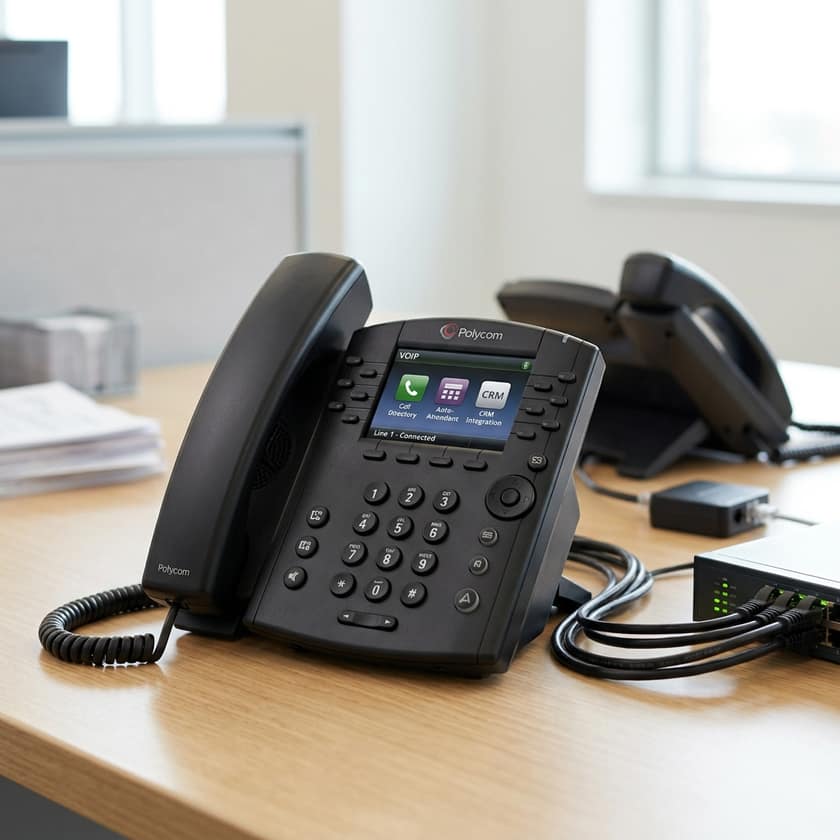
Understanding Modern Business Communication Needs
For many small to mid-sized businesses (SMBs), communication infrastructure is the backbone of operational success. Whether you are managing client relationships, coordinating remote teams, or streamlining support channels, the phone system you choose dictates how you interact with the outside world. Modern options have shifted significantly from traditional copper-wire landlines toward Voice over Internet Protocol (VOIP) systems. These digital solutions offer flexibility, scalability, and advanced features that were once reserved only for large enterprises. As a business owner, navigating the marketplace requires balancing cost-efficiency with the specific collaborative tools your team needs to stay competitive and responsive throughout the business day.
Comparing VoIP vs. Traditional Service Models
Before selecting a package, you must decide between cloud-hosted VOIP and traditional service models. VOIP is generally preferred by modern SMBs because it operates over your existing internet connection rather than specialized hardware. This reduces the need for expensive physical installations and allows for remote connectivity, which is vital for distributed workforces. Traditional landline services, provided by regional or national carriers, are often marketed as bundles. These are known for high stability and voice quality but may lack the feature-rich integration found in digital apps. Choosing the right one often comes down to your existing internet bandwidth and whether your team requires mobile app integration or strictly desk-based functionality.
Market Analysis: Representative Cloud-Based VoIP Providers
The market for digital business phone services is highly competitive, resulting in diverse pricing tiers designed to accommodate growing organizations. Most cloud providers structure their pricing on a per-user, per-month basis, which makes scaling predictable. When reviewing these options, note that entry-level plans typically cover essential calling features, while premium tiers often include advanced analytics, CRM integrations, and specialized meeting tools. The following pricing breakdown reflects starting benchmarks currently observed in the US market. Prices often fluctuate based on the length of the service contract and the total number of users you commit to, so always verify current promotional rates before finalizing your subscription agreement.
| Provider | Estimated Starting Price | Unit | Focus Area |
|---|---|---|---|
| RingCentral | $30 | Per User/Month | Unified Comms |
| Nextiva | $25 | Per User/Month | Customer Service |
| Zoom Phone | $15 | Per User/Month | Video Integration |
| Ooma Office | $20 | Per User/Month | Small Business Ease |
| Grasshopper | $15 | Per Month | Virtual/Mobile |
Considering Carrier-Bundled Business Lines
If your business operations are tied to a physical location or rely heavily on mobile-first communication, large network carriers often provide bundled business lines. These packages often group landline services, mobile connectivity, and sometimes business-grade internet into a single monthly invoice. While these plans can offer simplicity in billing, they may have different cost structures compared to pure-play software VOIP providers. When evaluating carrier-based options, focus on the total cost of ownership, including equipment leasing and potential service fees. Some companies find that bundling these services creates a streamlined IT management environment, though it may lock your firm into longer-term contractual obligations.
| Provider | Estimated Starting Price | Unit | Service Type |
|---|---|---|---|
| Verizon Business | $35 | Per Line | Connectivity Focus |
| T-Mobile Business | $25 | Per Line | Mobile First |
| Spectrum Business | $15 | Per Line | Internet Bundle |
Key Considerations for SMBs Selecting a Package
- Scalability: Ensure the provider allows you to add lines or extensions easily as your team grows without requiring a complete system overhaul.
- Mobile App Capabilities: Modern business often happens outside the office; check if the provider offers a robust mobile app that maintains your business identity.
- Integration Support: Look for compatibility with your existing software stack, such as CRM, project management tools, or shared calendars.
- Support Reliability: Verify the level of customer support included in the monthly cost—do you get 24/7 access, or is it limited to business hours?
- Contractual Terms: Determine if the pricing is month-to-month or if you need to sign a multi-year agreement for the best rates.
- Feature Set: Avoid paying for enterprise-grade features you do not need, but ensure essentials like call forwarding, voicemail-to-email, and auto-attendants are included.
Implementing Your New Communication Solution
Once you have selected a provider, the transition phase is critical. For most cloud-based VOIP implementations, the setup involves configuring user accounts through a web dashboard and downloading the necessary desktop or mobile applications. Take the time to set up your auto-attendant professionally, as this is the first point of contact for your customers. Ensure that call routing rules are configured correctly to prevent missed opportunities during off-hours. Training your staff on the new interface—especially on how to transfer calls and access voicemail remotely—will significantly reduce the learning curve and help your team embrace the transition to the new system quickly.